Toolyfied Blog — File Tips, Guides & How-Tos
Practical guides for converting, compressing and editing files — written for real, everyday tasks.

How to Convert MP3 to WAV for Free (and When You Should)
Convert MP3 to WAV free in any browser, see why editors and upload forms ask for WAV, and why the conversion can't improve sound quality.
Read more
How to Convert OGG to MP3 for Free (Voice Notes Too)
OGG file won't play on your phone, car stereo or editor? Convert it to MP3 in a minute, free, and learn what quality to expect.
Read more
How to Convert HEIC to PDF (iPhone Photos, Free, 3 Ways)
Turn iPhone HEIC photos into one PDF: convert to JPG, then image to PDF, or use the iPhone Files app. Page order and size tips included.
Read more
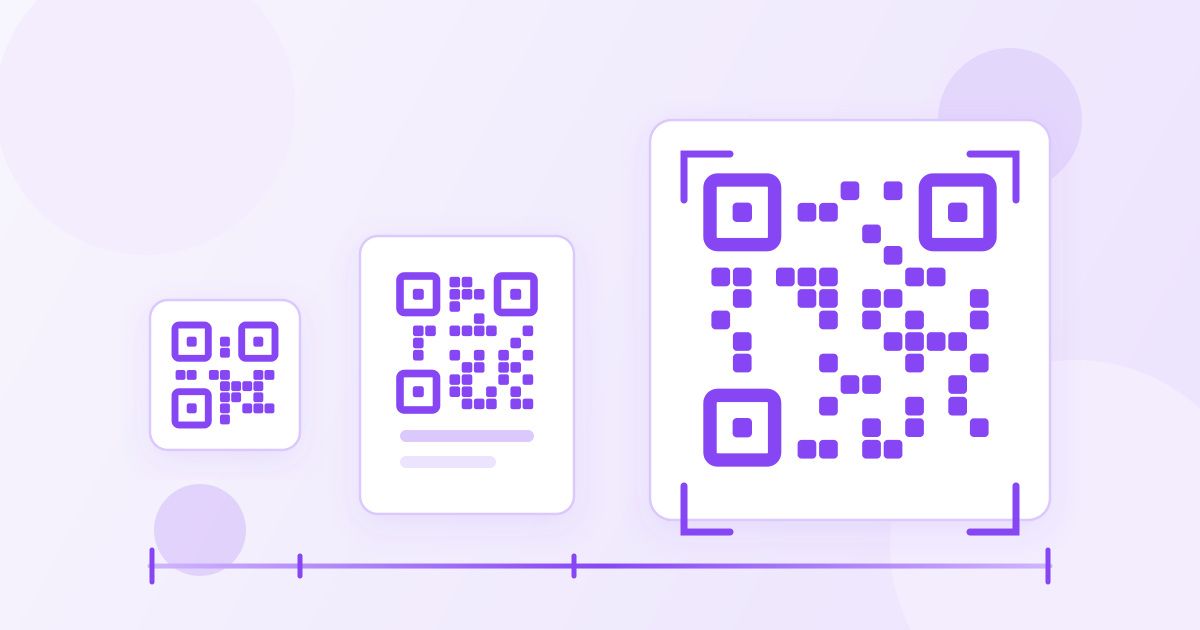
QR Code Size for Printing: How Big Does It Need to Be?
A printed QR code should be about one tenth as wide as the distance people scan it from. Here are the sizes for cards, menus, flyers and posters, plus what breaks codes.
Read more
How to Crop an Image to a Square Without Losing Quality
Crop any photo to a perfect 1:1 square for free: how to frame it, why crop beats resize, and the order to crop, resize and compress so it stays sharp.
Read more
How to Compress a PDF to Under 1MB for Online Forms
PDF over the 1MB upload limit? Compress it, cut unneeded pages, split it, or rebuild a photo-heavy PDF from smaller images, in that order.
Read more
How to Convert FLAC to MP3 Free (and What You Lose)
Convert FLAC to MP3 free in your browser: the exact steps, what 192 kbps means, what happens to tags and cover art, and when to keep the FLAC.
Read more
How to Convert M4A to MP3 for Free (iPhone Voice Memos Too)
Convert M4A to MP3 free in your browser, including iPhone voice memos: the exact steps, sensible bitrates, and why renaming the file doesn't work.
Read more
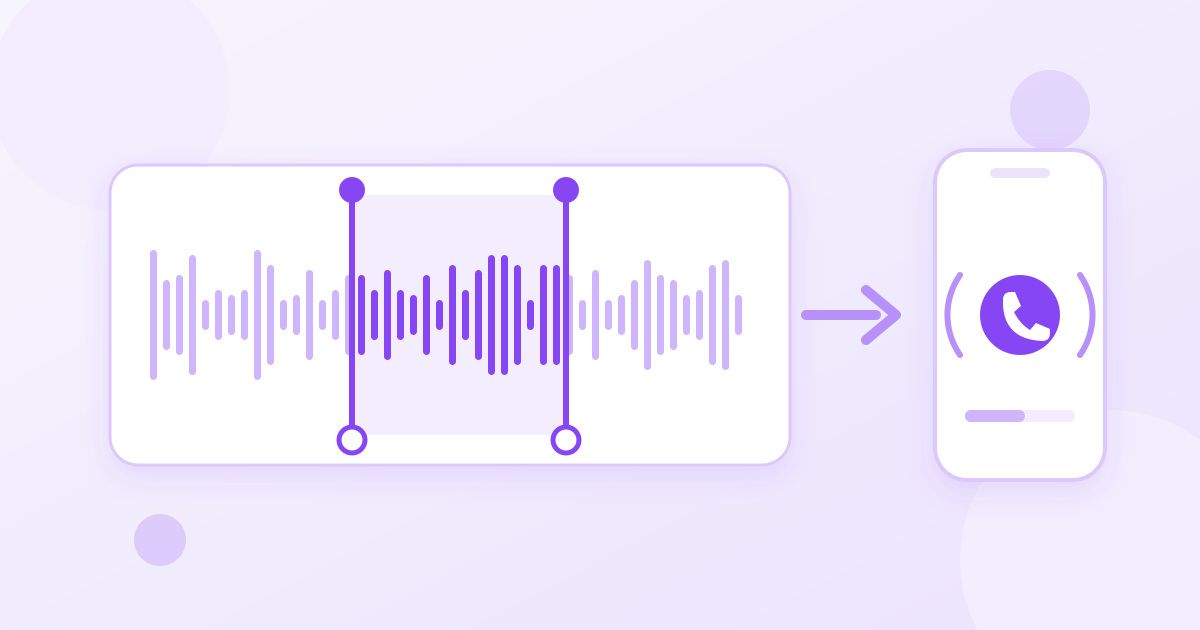
How to Cut an MP3 File and Make a Ringtone (Free, Online)
Trim a song or recording to the exact seconds you want, turn the chorus into a ringtone, and get the length and format right for iPhone or Android.
Read more
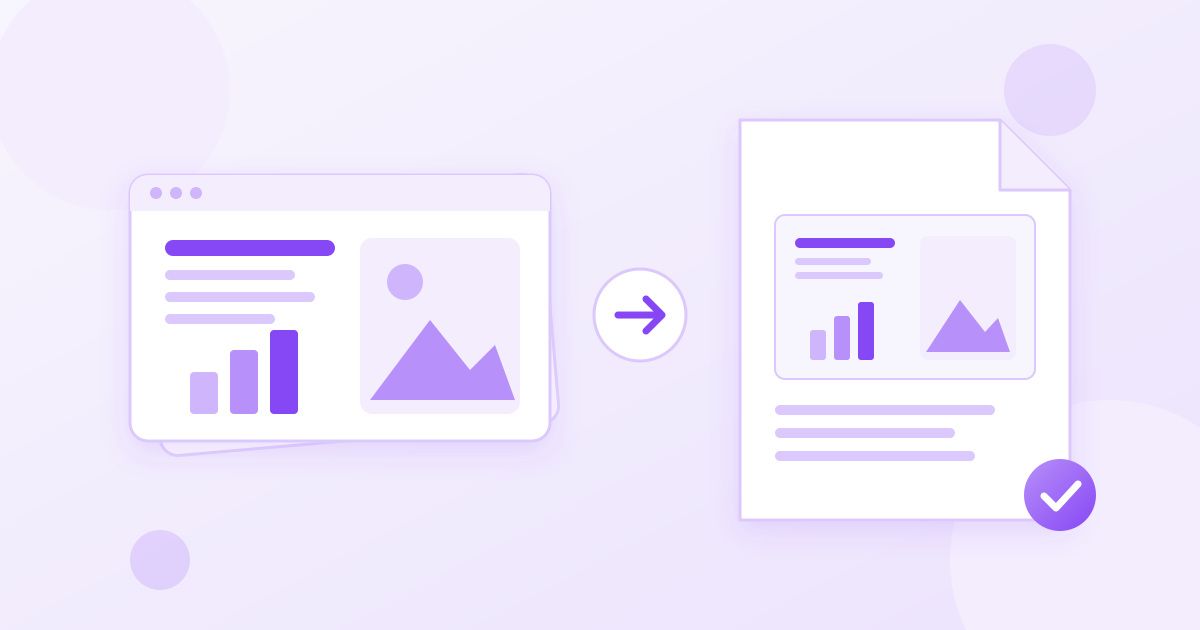
How to Convert PowerPoint to PDF Without Losing Formatting
Turn a PPT or PPTX into a PDF that looks the same on every device: the free steps, fonts and slide-size checks, and what a PDF can't keep.
Read more
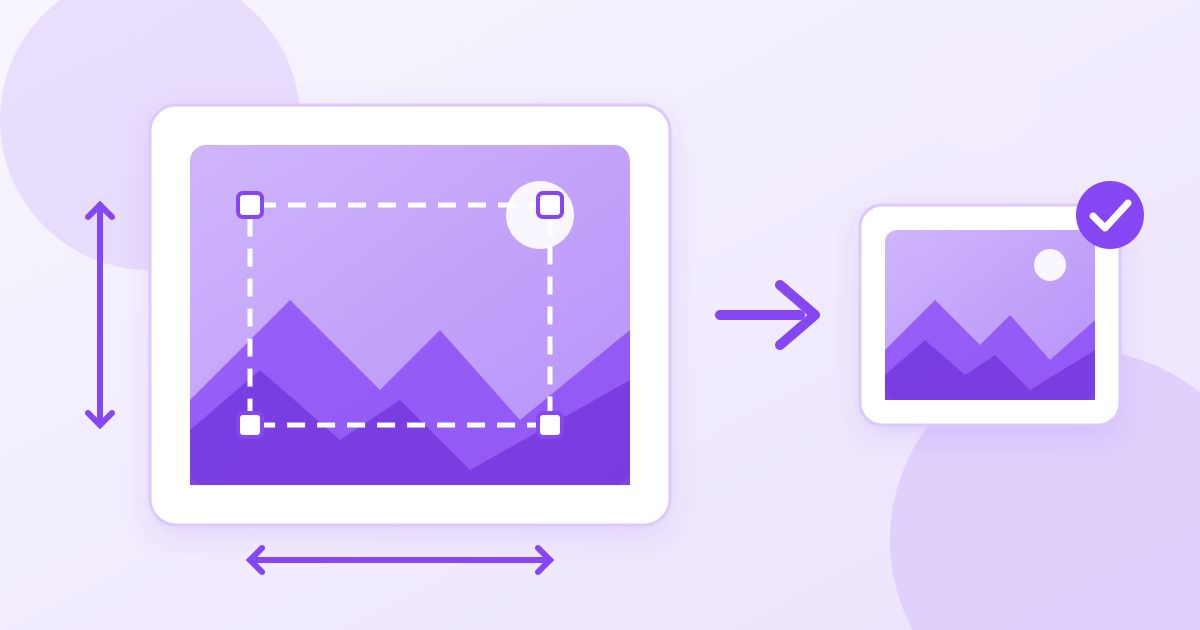
How to Resize an Image to Exact Pixel Dimensions (Free)
Resize a JPG, PNG or WebP to an exact width and height for a form, passport portal or profile upload, without squashing or blurring it.
Read more
Frequently Asked Questions
Answers to common queries for quick and clear user support.
What types of tools are available on this website?
We offer a wide range of tools, including productivity, design, development, and utility tools tailored to meet diverse user needs.
Are the tools free to use?
Many tools are free to use, while some premium tools may require a subscription or one-time payment for advanced features.
Do I need to create an account to use the tools?
You can access most tools without an account, but creating one unlocks additional features such as saving progress or personalized settings.
Are the tools safe and secure?
Yes, we prioritize user privacy and security by implementing robust encryption and regularly monitoring for vulnerabilities.
Can I access the tools on mobile devices?
Absolutely! Our tools are optimized for use on both desktop and mobile devices, ensuring seamless functionality across platforms.
How often are new tools added to the website?
We continuously update our platform with new tools and features to provide users with the most relevant and innovative solutions.
Can I suggest a new tool or feature?
Yes, we welcome user feedback and suggestions! Please contact us through the Contact Us or email to share your ideas.
What should I do if I encounter an issue with a tool?
If you face any issues, please check our support section or contact our customer service team for prompt assistance.