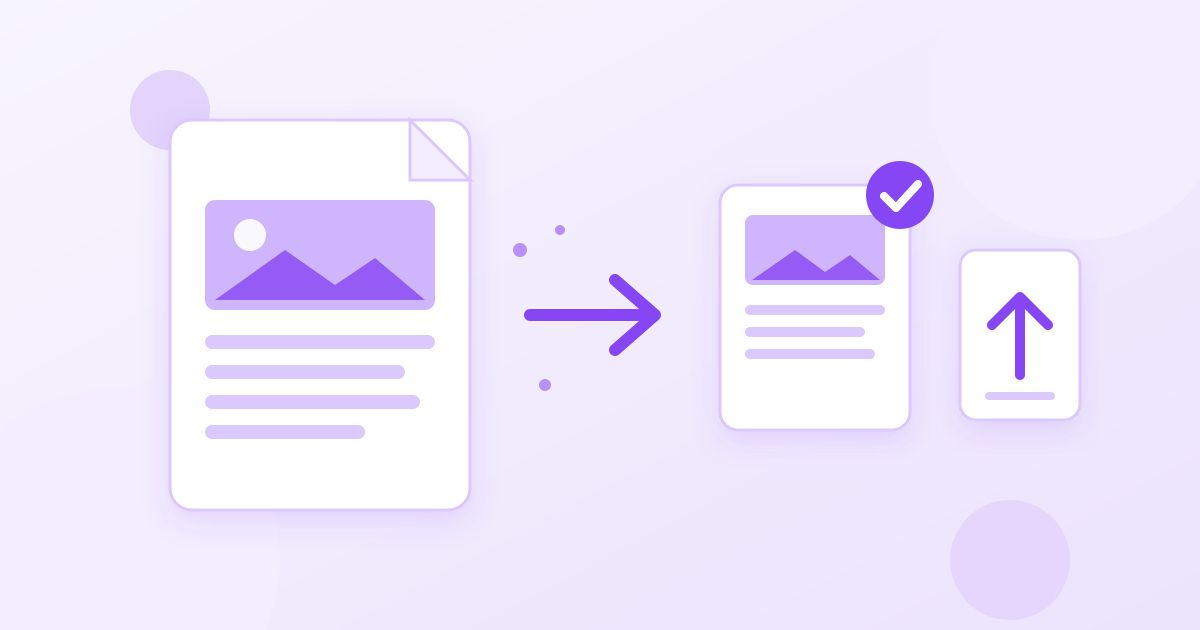
To compress a PDF to under 1MB, run it through a PDF compressor first, check the new size, and if it is still too big, remove the pages the upload doesn't need or split the document into parts. Most PDFs that refuse to shrink are full of scanned or photographed pages, and those need a different fix than a text-only file.
The 1MB limit shows up everywhere: job portals, university applications, visa and government forms, insurance claims and older HR systems. The form rarely tells you why it rejected the file, so this guide walks through the order that works, what each step does to your document, and what to do when a file stubbornly stays at 1.4MB.
Step 1: Compress the PDF and check the result
Start with the easy win. Open the PDF Compressor, upload the file and download the smaller version. It reduces file size while keeping the text readable, which is what an admissions officer or HR system needs.
- Upload the PDF you want to send.
- Let the compressor process it, then download the result.
- Check the size before you upload it anywhere. On Windows, right-click the file and choose Properties; on a Mac, select it and press Command + I; on a phone, the Files app shows size in the file details.
Watch the units. Some portals mean 1,000 KB by "1MB", while your computer may count 1,024 KB. If your file is 1,010 KB, it may pass one form and fail another. Aim for a little under the limit, around 950 KB, so you don't have to guess.
Why some PDFs won't go under 1MB
How much a PDF can shrink depends almost entirely on what is inside it. Text is tiny: a ten-page typed report is often already well under 1MB. Images are what make PDFs heavy, and a scanned document is nothing but images, one per page.
| What's in the PDF | Typical behaviour when compressed | Best next step if still too big |
|---|---|---|
| Typed text exported from Word or Google Docs | Usually small already; compression helps with embedded fonts and images | Remove unnecessary pages |
| Scanned pages from a scanner app | Shrinks, but each page is still a full image | Remove pages, split, or rescan at a lower resolution |
| Photos taken with a phone and saved as PDF | Often the heaviest; phone photos are several megabytes each | Compress or resize the photos first, then rebuild the PDF |
| Design files, brochures, portfolios | Large, high-resolution graphics | Split into parts or send a shorter version |
If your PDF is a stack of phone photos, the compressor is working against images that were never meant for an upload form. It is often quicker to fix the photos and rebuild the file, which is covered in step 4.
Step 2: Delete pages the form doesn't need
Every page you remove is size you don't have to squeeze out of the rest. Scanned documents often include blank backs of pages, cover sheets, duplicate copies or instructions you only needed to read. Use the PDF Page Remover to select those pages and download a leaner file, then compress again if needed.
Before you delete anything, reread what the form actually asks for. "Upload proof of address" usually needs one page of a statement, not all six. "Upload your transcript" may need every page, so don't trim those.
Step 3: Split the document into parts
Some forms offer several upload slots, or accept "Part 1" and "Part 2" as separate attachments. In that case, splitting is cleaner than crushing image quality until the file is unreadable. The PDF Splitter extracts a page range you choose, such as 1-4 or 5-9, into a new PDF. Run it once for each part.
A practical approach: split at a natural boundary (the end of a section, or between two documents that were scanned together), name the files clearly, for example Surname_Passport_Part1.pdf, and check each part is under the limit before uploading.
Step 4: Rebuild a photo-based PDF from smaller images
When a PDF was made from phone photos, the most effective fix is to shrink the photos before they go into the PDF. A modern phone photo is often 4,000 pixels wide or more, which is far more detail than anyone needs to read a document on screen.
- If you still have the original photos, resize them with the Image Resizer. Around 1,500 to 2,000 pixels on the long side is usually enough for a clearly readable A4 or Letter page.
- Optionally run them through the Image Compressor for a further reduction with little visible loss.
- Combine the smaller images into one document with the Image to PDF Converter.
- Check the size, and compress the finished PDF if it is still close to the limit.
If you only have the heavy PDF and not the original photos, you can render its pages back into images with the PDF to JPG converter, resize them, and rebuild the file the same way. It takes a few more steps, but it reliably brings a photo-heavy PDF down to a sensible size.
How to keep the document readable
Getting under 1MB is only half the job. Whoever opens the file still needs to read it, and a blurry ID or an illegible signature can get an application returned. Before you upload:
- Zoom in on the smallest text. Reference numbers, dates of birth and small print should still be sharp at 100% zoom.
- Check photos and stamps. A passport photo or official stamp that turned into grey mush needs a lighter compression or a split instead.
- Look at every page. Make sure nothing got rotated, cut off or dropped while you were deleting and splitting.
- Keep your original. Save the compressed copy under a new name so you can start again from the full-quality version if needed.
Common reasons an upload still fails
If the file is clearly under 1MB and the portal still refuses it, the size may not be the problem:
- Password protection. Many upload systems can't open encrypted PDFs. If you protected the file, upload an unprotected copy unless the form asks for protection.
- File name. Some older systems reject names with spaces, accents or symbols. Try a simple name like application_form.pdf.
- Wrong format. A photo renamed to ".pdf" is still a photo. Convert it properly instead of renaming it.
- Total size limits. Some forms cap the total of all attachments, not each file, so several files at 900 KB can still fail together.
Prevent the problem next time
If you regularly send documents through upload forms, a few habits save you from repeating all of this:
- Export instead of printing to PDF from a photo. A document written in Word or Google Docs and exported as PDF stays small because the text remains text.
- Scan in greyscale where colour isn't needed. Most scanner apps offer colour, greyscale and black-and-white modes; plain letters and forms rarely need colour.
- Scan one document per file. Separate files for your ID, your certificate and your statement are easier to keep under a limit than one combined bundle.
- Keep a light copy ready. Once you have a compressed version of a document you send often, such as a CV or a proof of address, keep it alongside the original.
A quick checklist
- Compress the PDF and check the size.
- Delete blank, duplicate or unnecessary pages.
- Split into parts if the form allows more than one file.
- For photo-based PDFs, resize the images and rebuild the file.
- Zoom in and confirm everything is still readable.
- Upload a copy that is comfortably under the limit.
All of these tools are free, need no sign-up and add no watermark. Files you upload are used only to produce your result, and old files are cleaned from the server automatically every day.
Frequently Asked Questions
How do I compress a PDF to less than 1MB for free?
Upload it to a free PDF compressor, download the result and check the size. If it is still over 1MB, delete pages you don't need, split the file into parts, or rebuild a photo-based PDF from smaller images.
Why won't my PDF compress any smaller?
Usually because it is made of scanned or photographed pages, where every page is an image. Compression can only do so much with images, so removing pages, splitting the file or resizing the images before rebuilding the PDF works better.
Does compressing a PDF reduce quality?
It can reduce the quality of images inside the PDF, while text normally stays sharp. Always zoom in on small text, photos and signatures before uploading, and keep your original file.
Is 1MB the same as 1,000 KB or 1,024 KB?
It depends on the system, and portals don't always say. To be safe, aim for about 950 KB so your file passes either way.
How do I reduce a scanned PDF's size?
Compress it first, then delete blank backs and pages the form doesn't need. If it is still too large, rescan at a lower resolution, or split the document into parts if the form accepts several files.
Can I compress a PDF on my phone?
Yes. Online tools work in a mobile browser, so you can upload the PDF from your Files app, download the smaller version and check its size in the file details before attaching it.